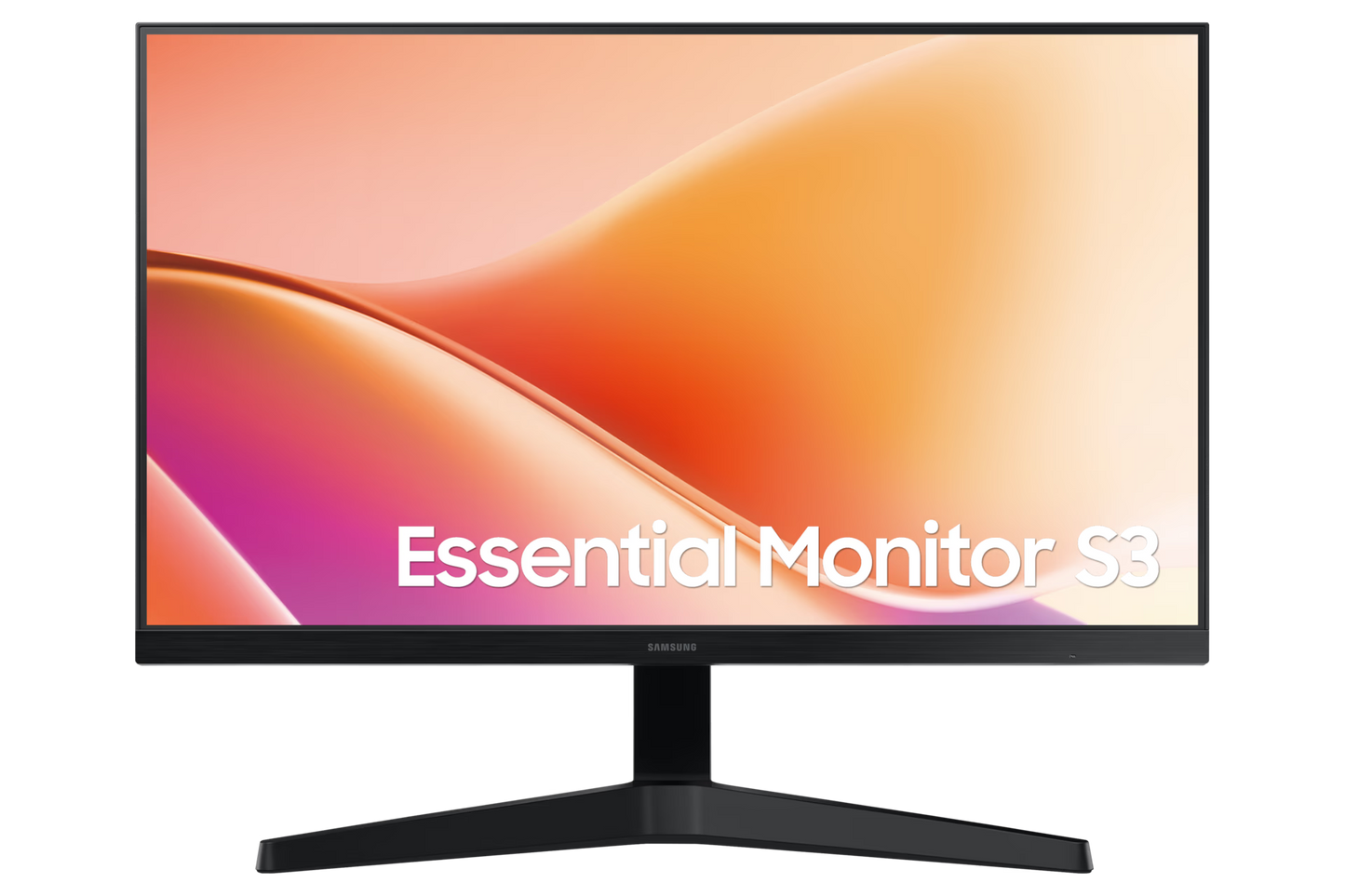
24" Essential Monitor S3 S33GF Full HD 100Hz
24" Essential Monitor S3 S33GF Full HD 100Hz
Couldn't load pickup availability
24" Essential Monitor S3 S33GF Full HD 100Hz
Experience smooth, responsive visuals with this 24-inch Full HD monitor delivering 1920×1080 resolution and 100Hz refresh rate. The S3 S33GF combines essential performance with reliable build quality, making it ideal for everyday computing, content consumption, and light creative work. Its compact form factor fits seamlessly into any workspace without compromising screen real estate. Whether you're managing spreadsheets, streaming content, or multitasking across applications, this monitor provides crisp clarity and fluid motion handling that enhances productivity and viewing comfort throughout your workday.
-
Resolution
FHD (1,920 x 1,080)
-
Aspect Ratio
16:9
-
Brightness (Typical)
250 cd/㎡
-
Contrast Ratio Static
3000:1(Typical)
-
Response Time
5 (GTG)
-
Refresh Rate
Max 100Hz
-
Viewing Angle (Horizontal/Vertical)
178/178
-
Screen Size (Class)
24
Features
Stay productive, stay comfortable


Key features at a glance


Consistent brightness from multiple angles
Wide Viewing Angle
Experience sharp and vivid visuals from different angles. The distinctive 178° wide viewing angle ensures consistent brightness across the screen — so you can work comfortably on documents and graphics, regardless of your viewing position.


Smooth performance across various content
100Hz Refresh Rate
Stay in the action when playing games, watching videos or working on creative projects. The 100Hz refresh rate reduces lag and motion blur so you don't miss a thing in fast-paced moments.


See vivid details come to life
3000:1 Contrast Ratio
Enjoy enhanced depth perception with a remarkable 3000:1 contrast ratio that delivers sharp details and vibrant colors for more lifelike visuals.


Easy on the eyes
Eye Saver Mode & Less Screen Flickering
Protect your vision and stay comfortable, even during long sessions. Advanced eye comfort technology certified by TÜV reduces eye strain by minimizing blue light and reducing irritating screen flicker.


More gaming power
Game Mode
Gain a competitive edge with optimizable game settings. Color and contrast can be instantly adjusted to see scenes more clearly and spot enemies hiding in the dark. Game Mode also scales various game to fill your screen, ensuring you can see every detail.


Connect more devices
Multiple Connectivity
Enhance your workspace by plugging devices directly into your monitor, giving you more flexibility to streamline your workflow.